




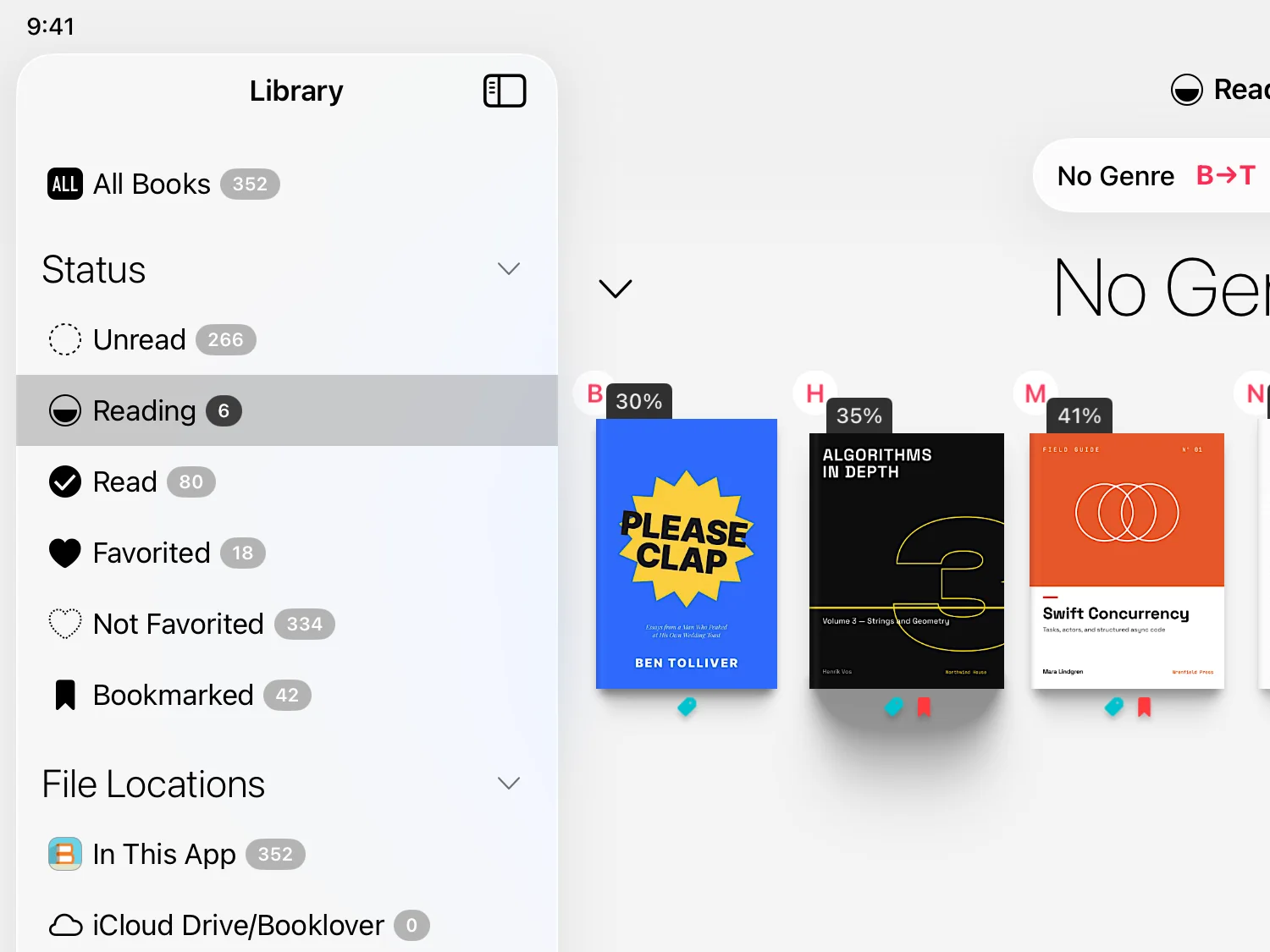
Unread books stay in sight.
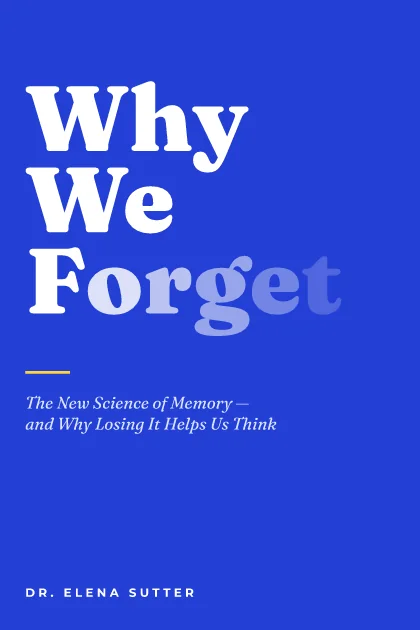
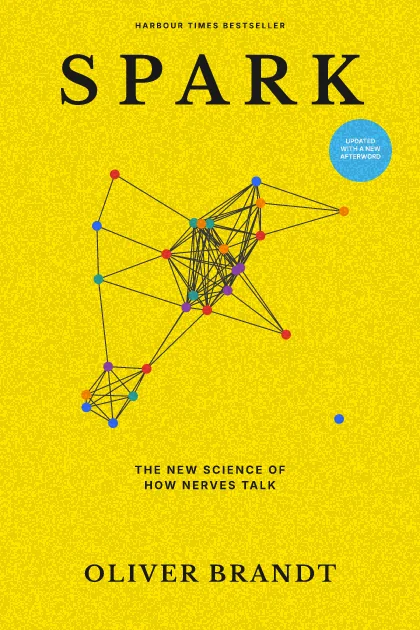
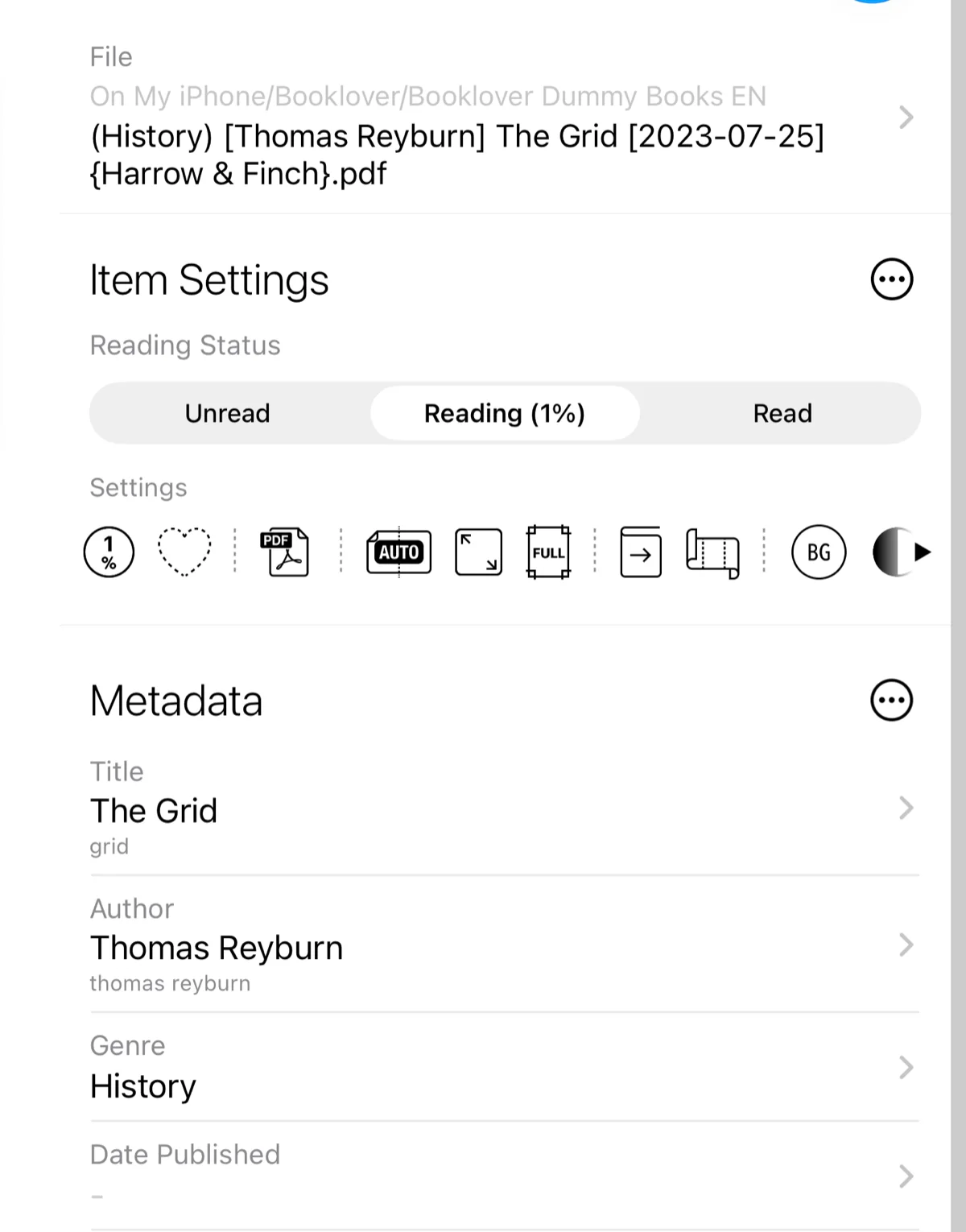
Mark each book Unread, Reading or Read. Find them from the sidebar by status or tag.
A comfortable way to organize and read your eBooks. For DRM-free PDF, ZIP and RAR files.
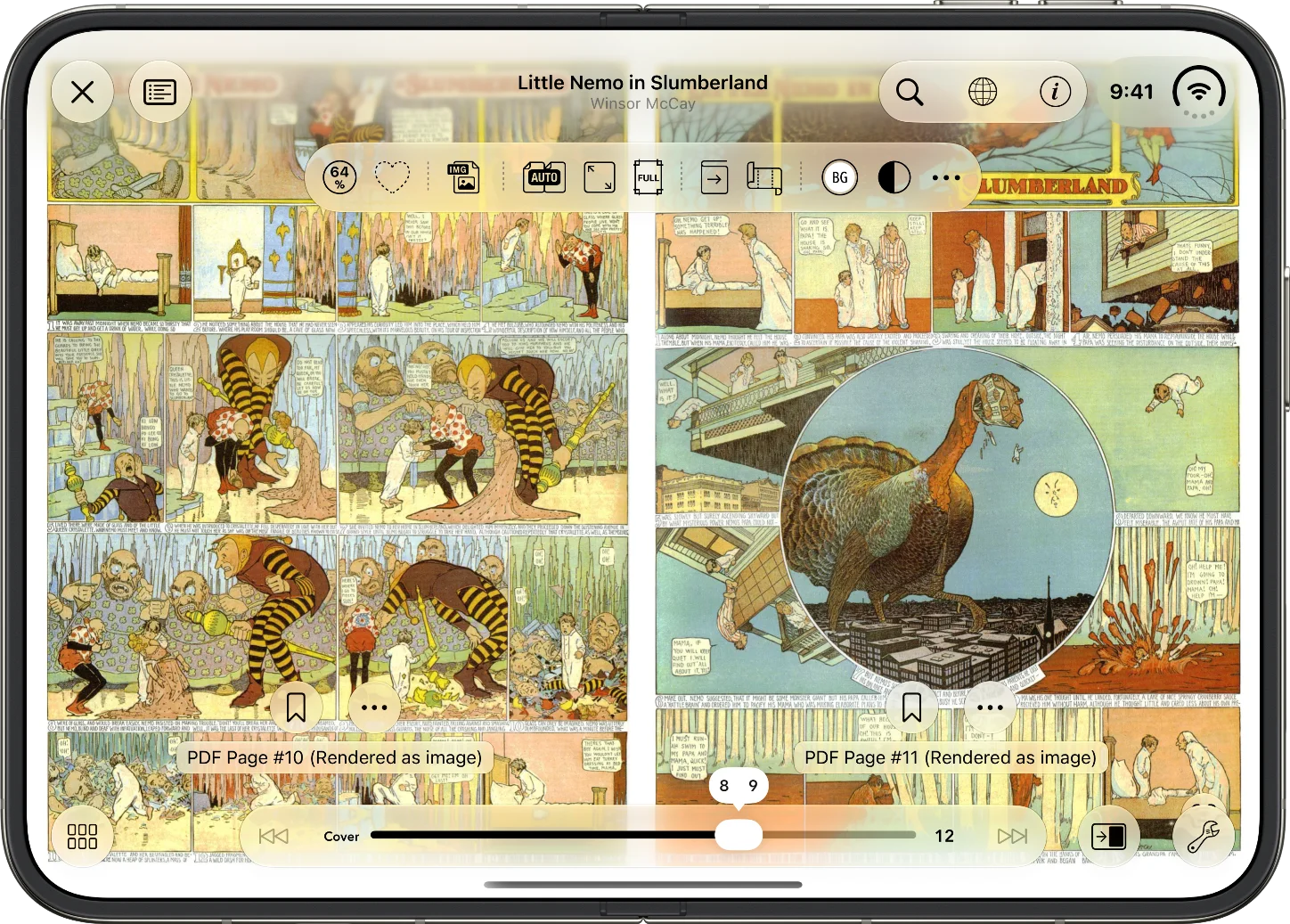

Comics you bought as PDFs, read your way.

Scanned paperbacks, with the margins trimmed away.

Papers you studied, traced back through your highlights and the notes on them.
Manuals and documents that keep piling up, found by tag or search.
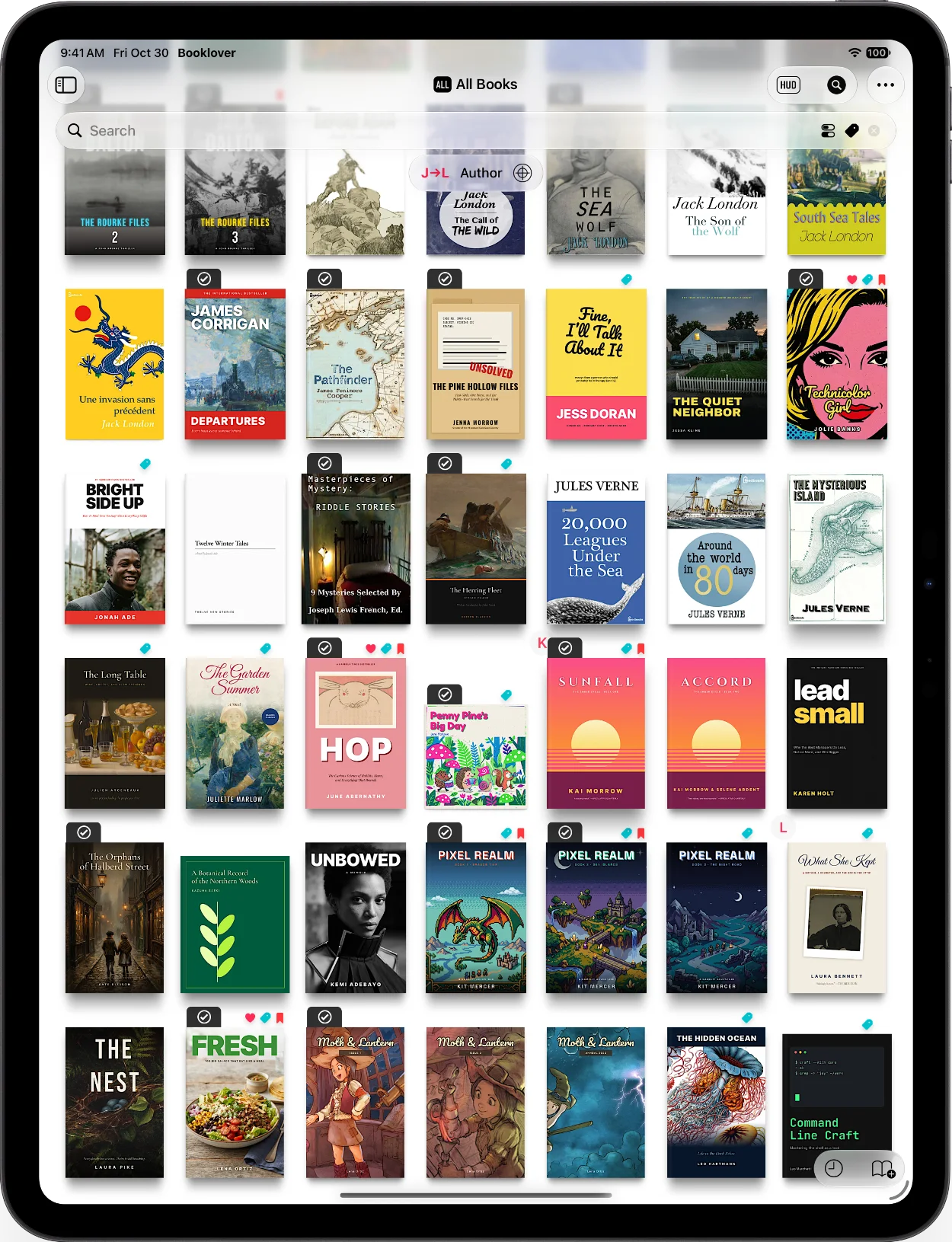
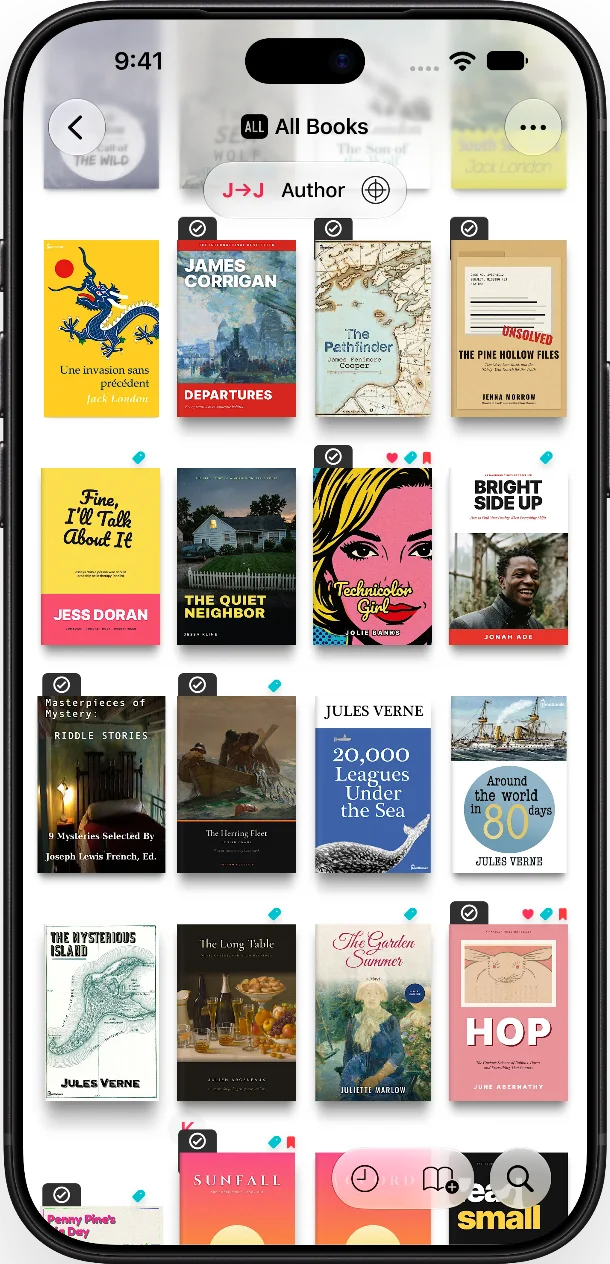
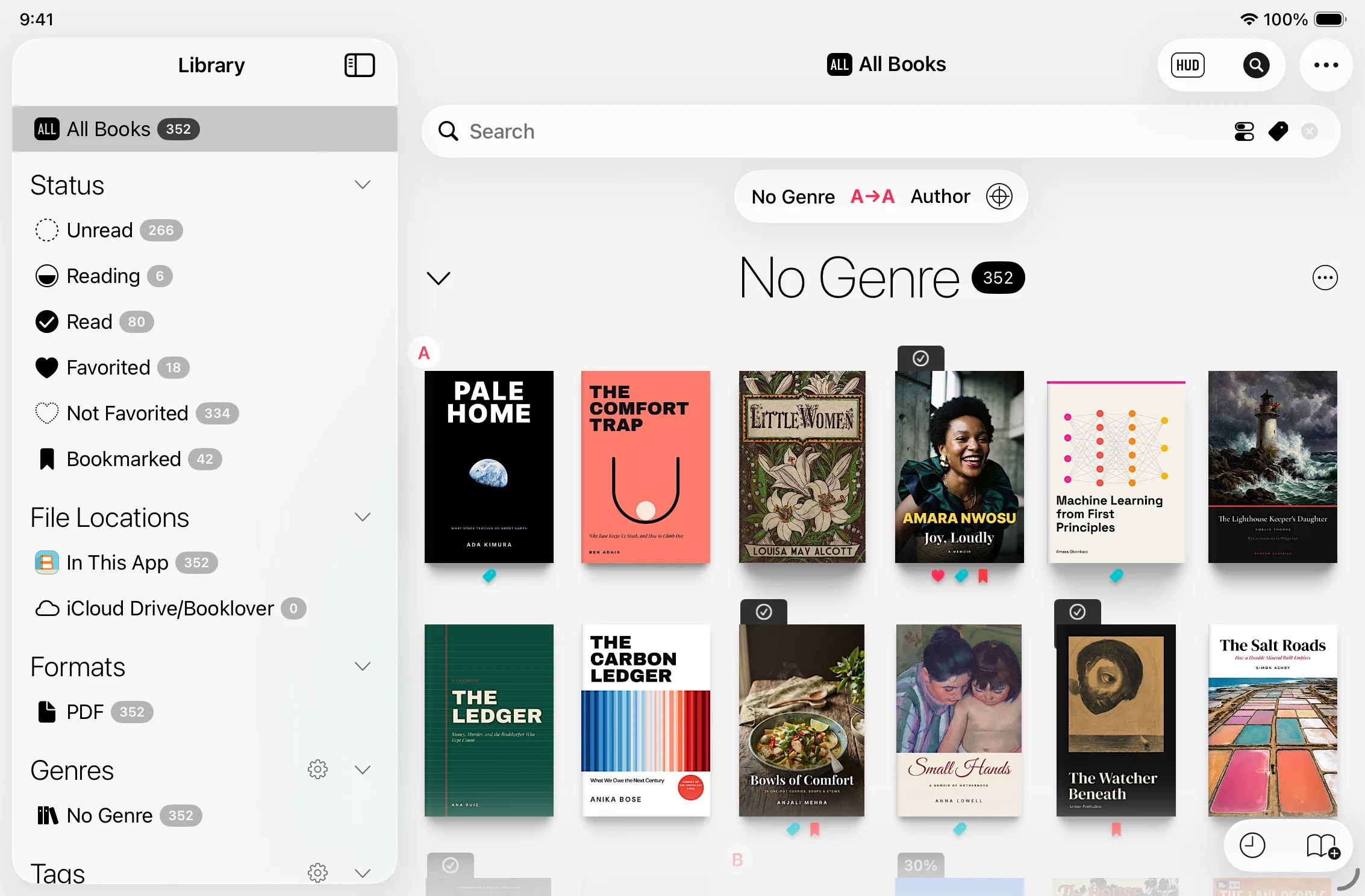
Covers side by side, indexed by initial, filtered from the sidebar. However many you add, finding one takes no longer.
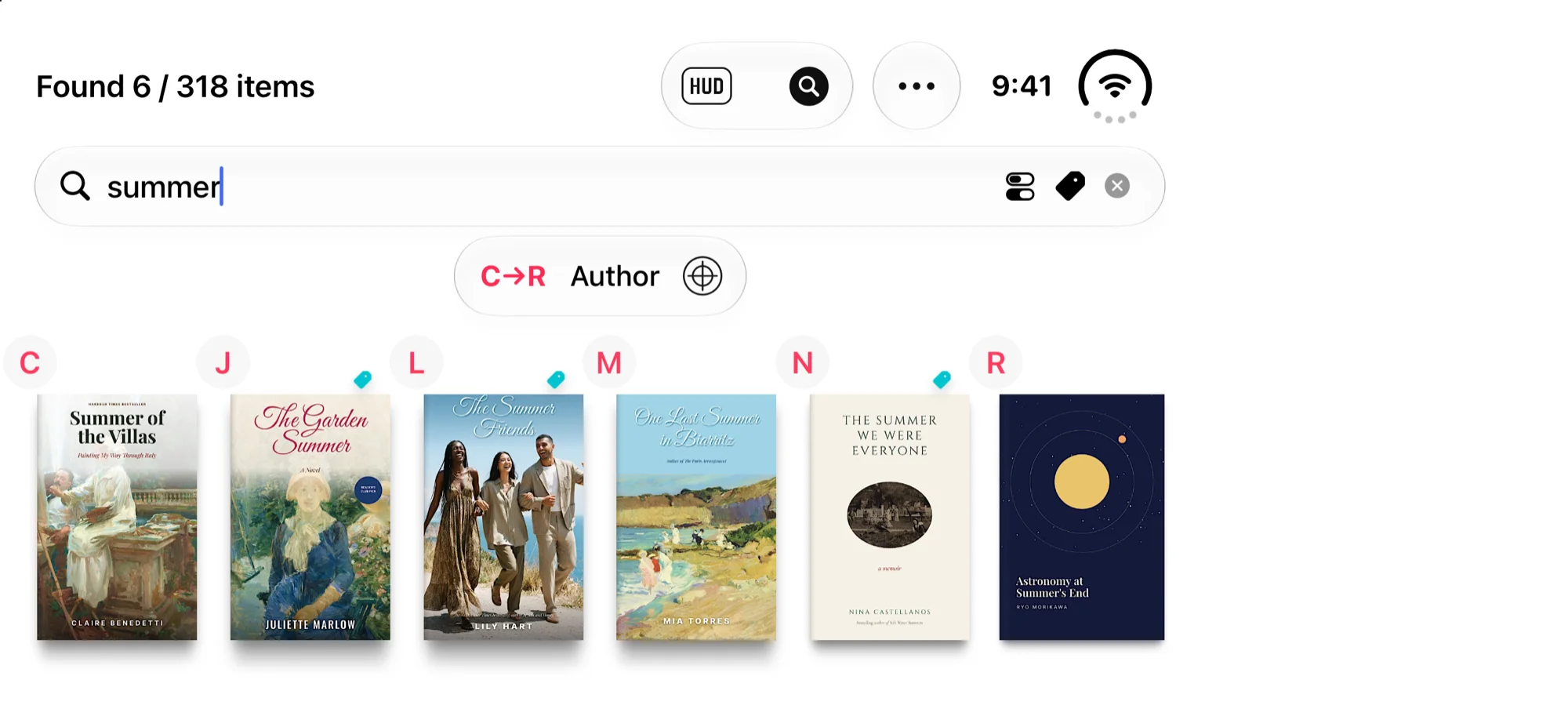
Author, publisher, tag, file name. Type any word you remember.
No cables, no transfer steps. Books you put in the Booklover folder on iCloud Drive appear in your library automatically. Download just the one you want to read.
You can also add books from a Mac or Windows PC, cloud storage, or a USB drive.How to Add Books
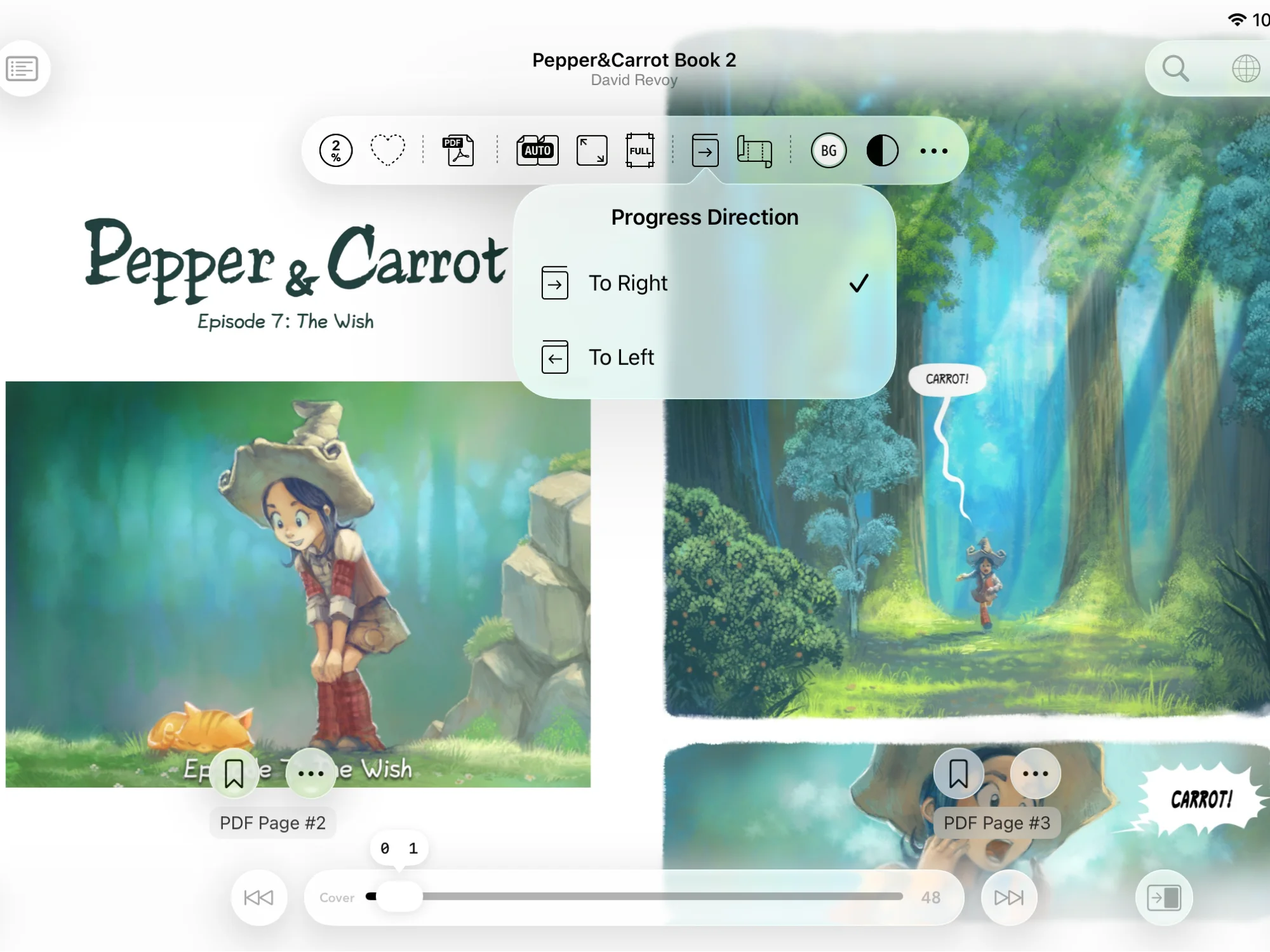
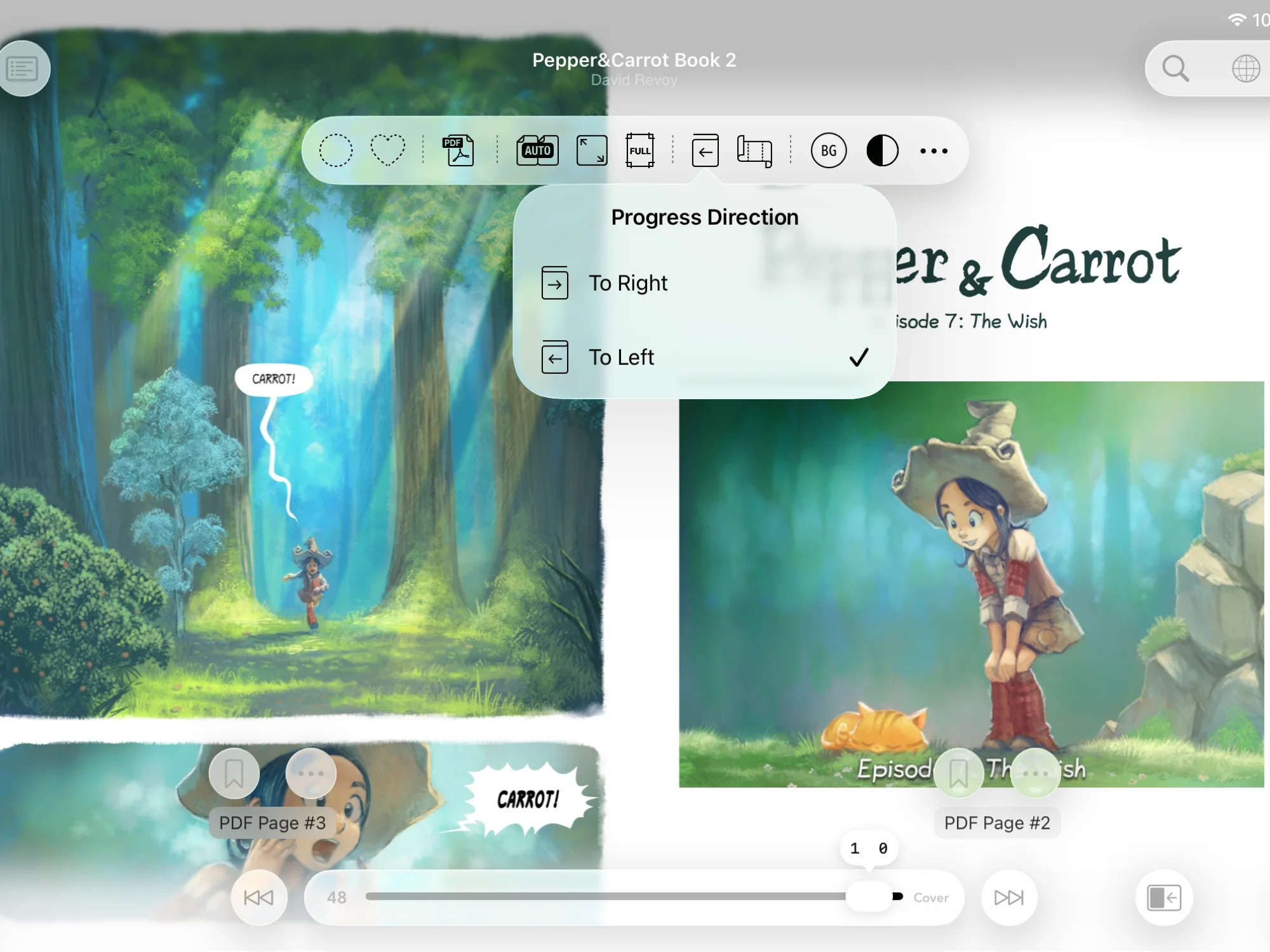
Switch the reading direction in an instant. Fix a spread that is off by a page, right there.
Pepper&Carrot by David Revoy, CC BY 4.0
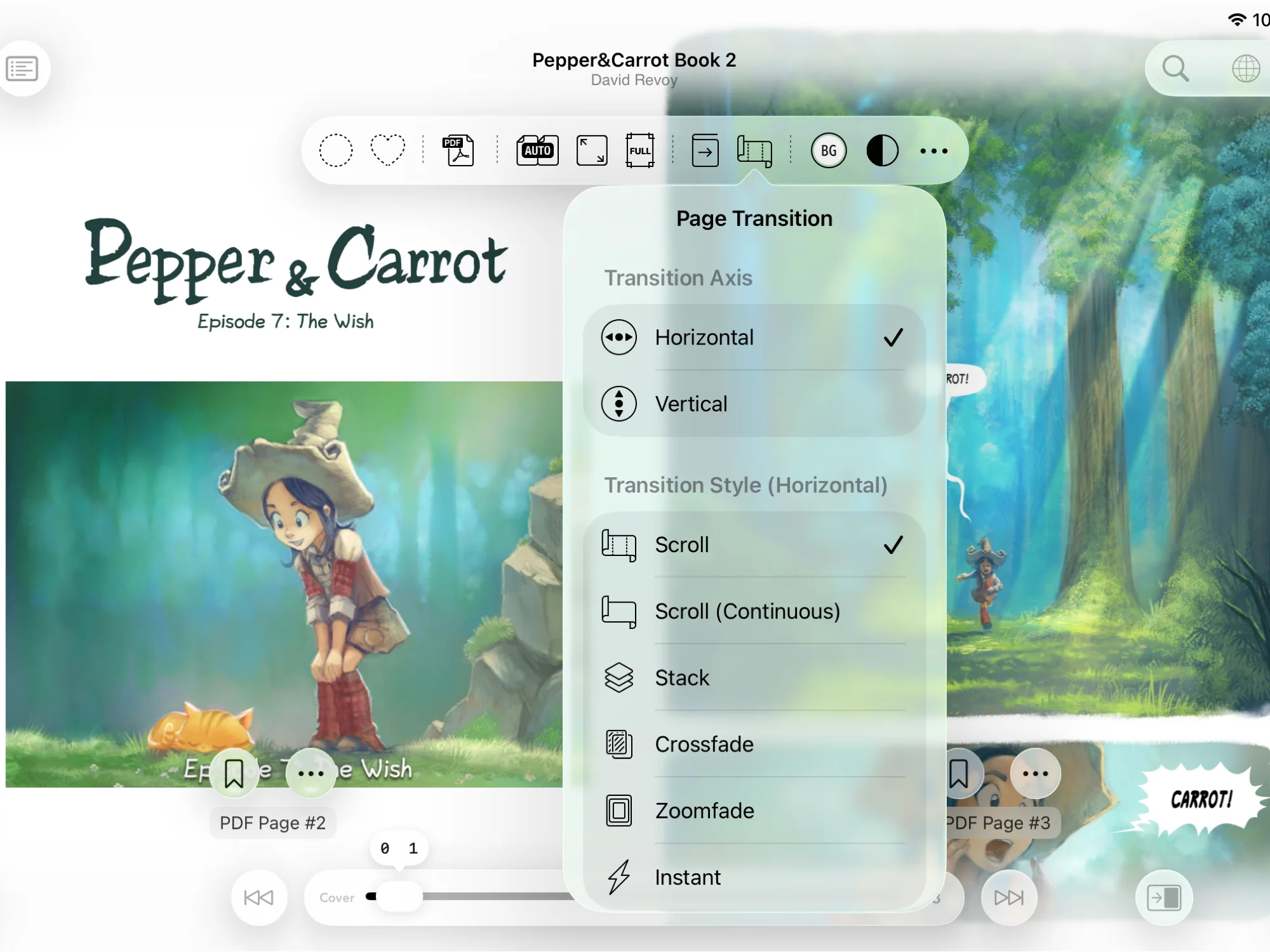
Page sideways or scroll down. Each book remembers its own settings, so you never fix them twice.
Pepper&Carrot by David Revoy, CC BY 4.0
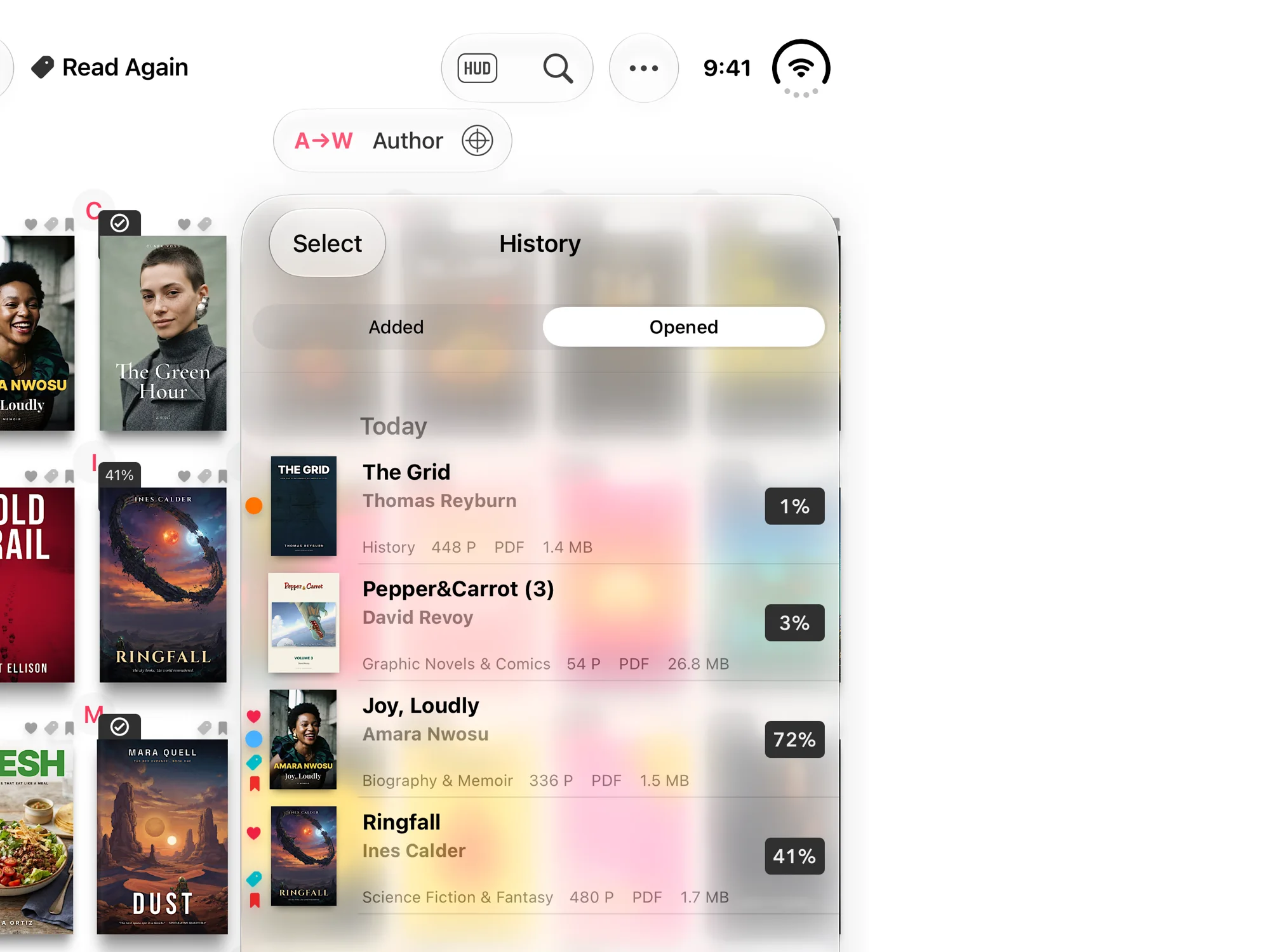
Open a book from your history and you’re on the page you left.
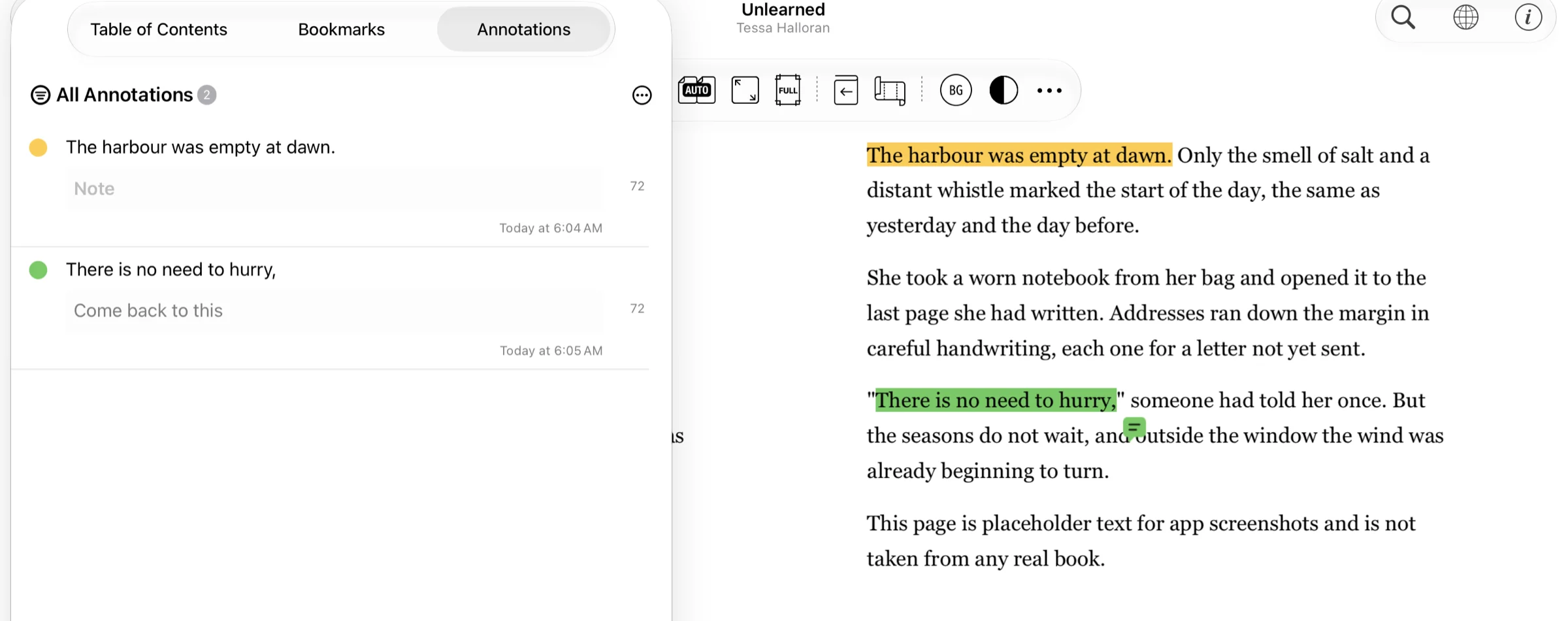
Highlight a line in a PDF and leave a note on it. Jump back from the list.
Mark each book Unread, Reading or Read. Find them from the sidebar by status or tag.
Author, genre and publication year written in brackets in a file name are imported as metadata automatically.
* You set the bracket types and their positions in the app beforehand.
Any PDF, ZIP or RAR without DRM, whether you bought it online or scanned it yourself.
Folders and syncing reading progress across devices are not supported.
What to use instead of foldersAbout syncing
Booklover has been updated continuously since its release, supporting each new iOS, each new device and the latest technology of its time.
Latest version 3.9.4· See version history

iPhone · iPadiOS / iPadOS 18.6 or later